
Vidhyarthika
The Staff Portal provides administrative personnel with role-based access to fee management, visitor tracking, certificate generation, and password resets. Administrators assign specific permissions based on job responsibilities.
Staff members handle daily operations including visitor logs, fee tracking, grade certificates, and password assistance—all with secure, permission-controlled access.
Request Demo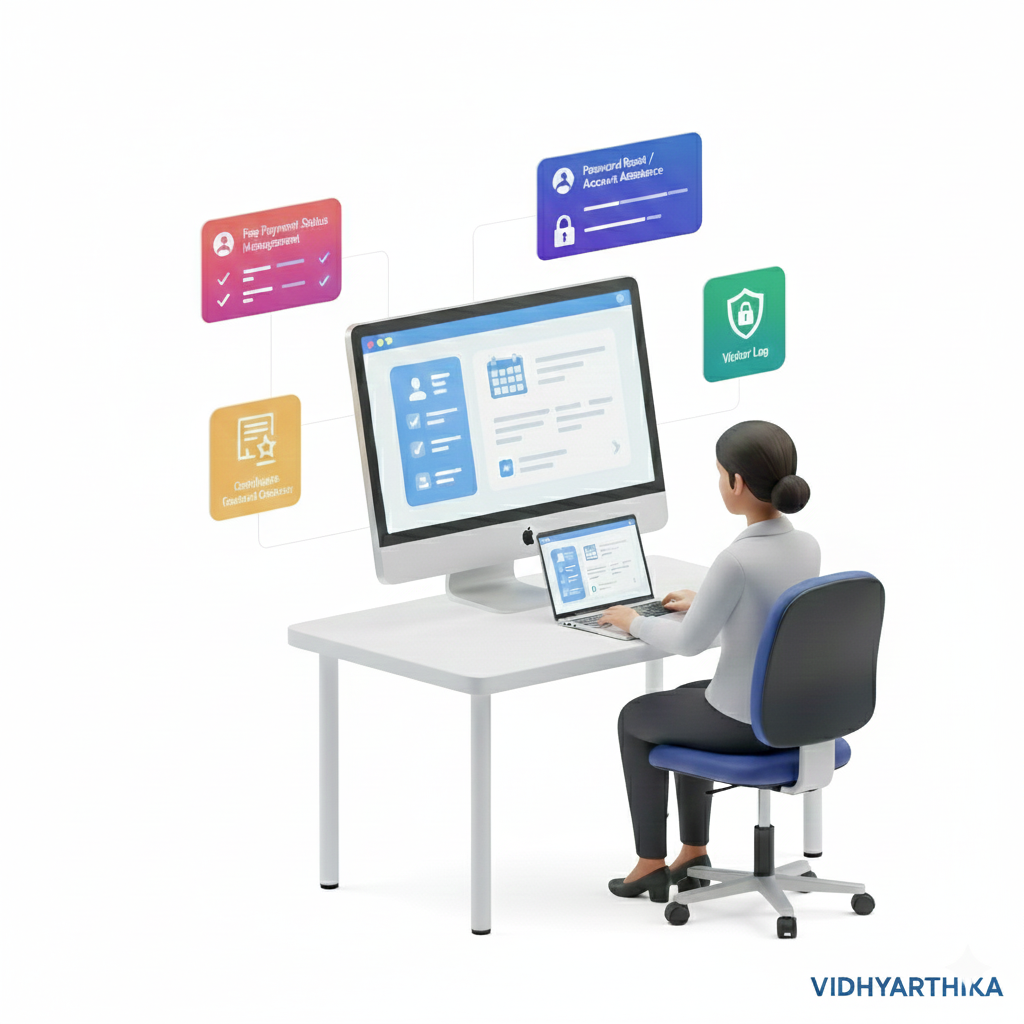
Permission-based tools for streamlined school operations
Manage fee structures, generate receipts, and send AI-assisted payment notifications
Real-time payment tracking with analytics and financial reports
Visitor management with daily logs and gate pass generation
Generate promotion certificates with automated notifications
Secure password reset for students and parents with verification
Administrators control which features each staff member can access
Admin creates account with basic credentials
Admin selects accessible modules
Staff sees only granted features
Admin modifies permissions as needed
Typical Access:
Typical Access:
Typical Access:
Discover how Vidhyarthika's comprehensive feature set can transform your school management. Request a personalized demo to see all features in action and learn how they can benefit your institution.
Every school is unique. Get a personalized pricing plan tailored to your institution's specific needs and budget.
Transparent pricing with all features included
Monthly, quarterly, or annual billing options
Special rates for large institutions
Fill out a quick form and receive a tailored pricing plan for your institution within 24 hours.
No commitment required • Free consultation included